hardhat-web-ui
Hardhat Web UI Plugin
- Provides a WEB UI to view network, block, account, contract and other information
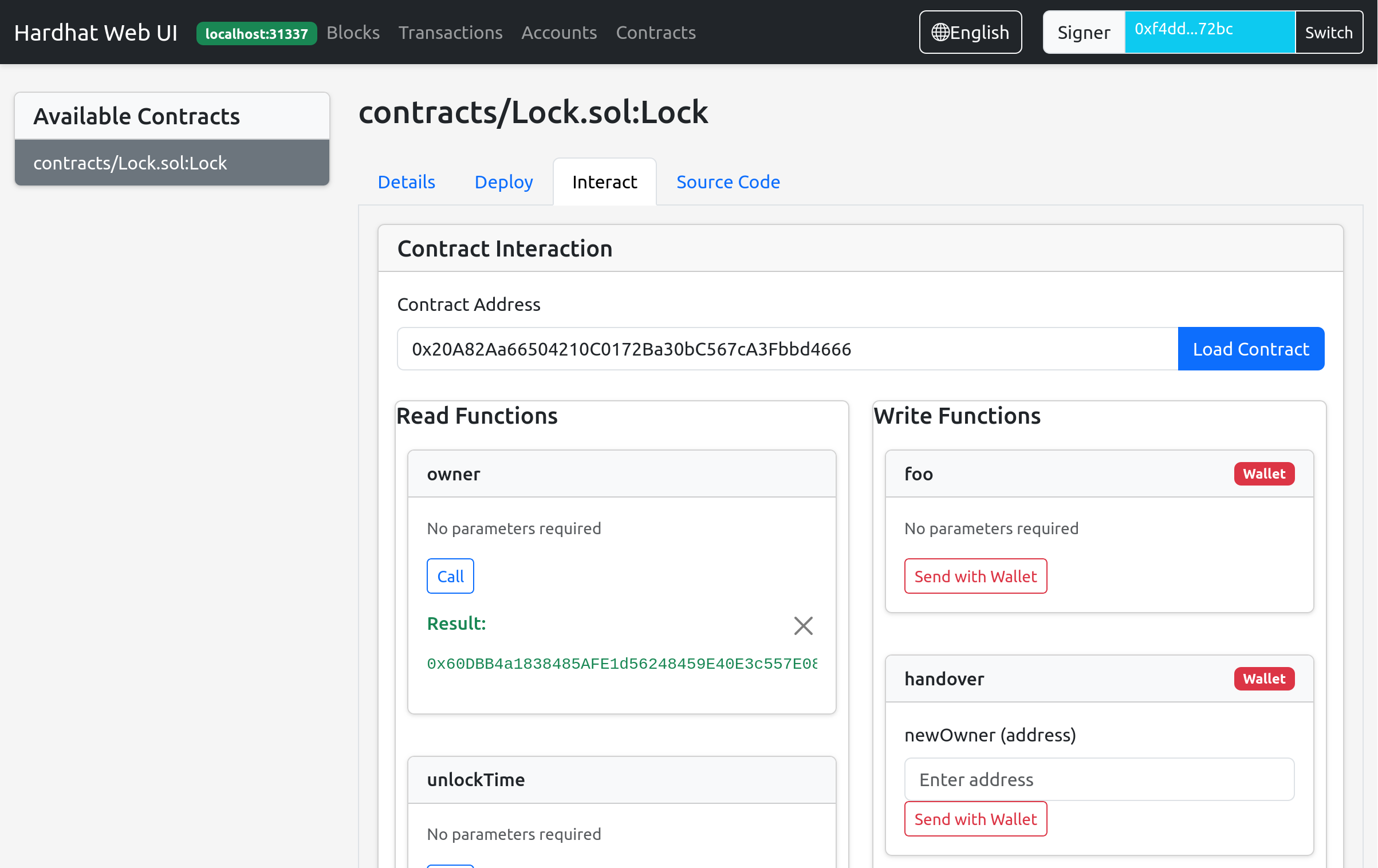
- Provides contract interaction functionality (similar to REMIX)
Features
- View blocks
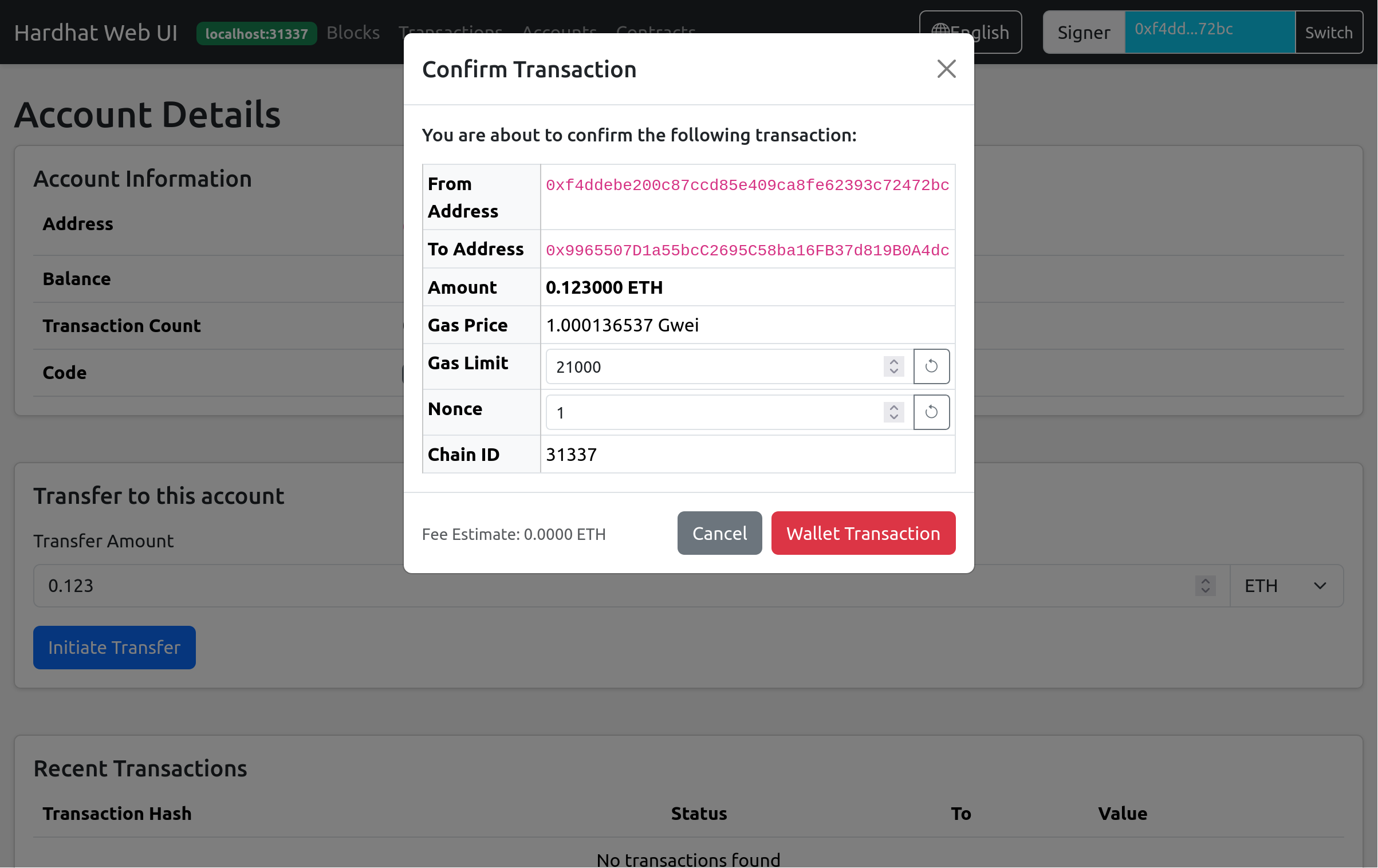
- View accounts
- View transactions
- Browse all contracts in the project
- View contract ABI and bytecode
- Deploy contracts to the network
- Interact with deployed contracts (call read and write functions)
Installation
npm install hardhat-web-ui --save-dev
Usage
Import the plugin in your hardhat.config.js:
require("hardhat-web-ui");
Start the Web UI:
npx hardhat web-ui --network <network-name>
# e.g.
npx hardhat web-ui --network localhost
Then access http://localhost:3337 in your browser
Configuration
The plugin can be configured in hardhat.config.js:
module.exports = {
  webUI: {
    enabled: true,
    localChainIds: [31337, ...],
    port: 3337,
  }
};